
A USB-C cable with watt display can show you how much charging power is actually flowing into your device in real time. It is one of the easiest ways to stop guessing and start understanding real charging speed.
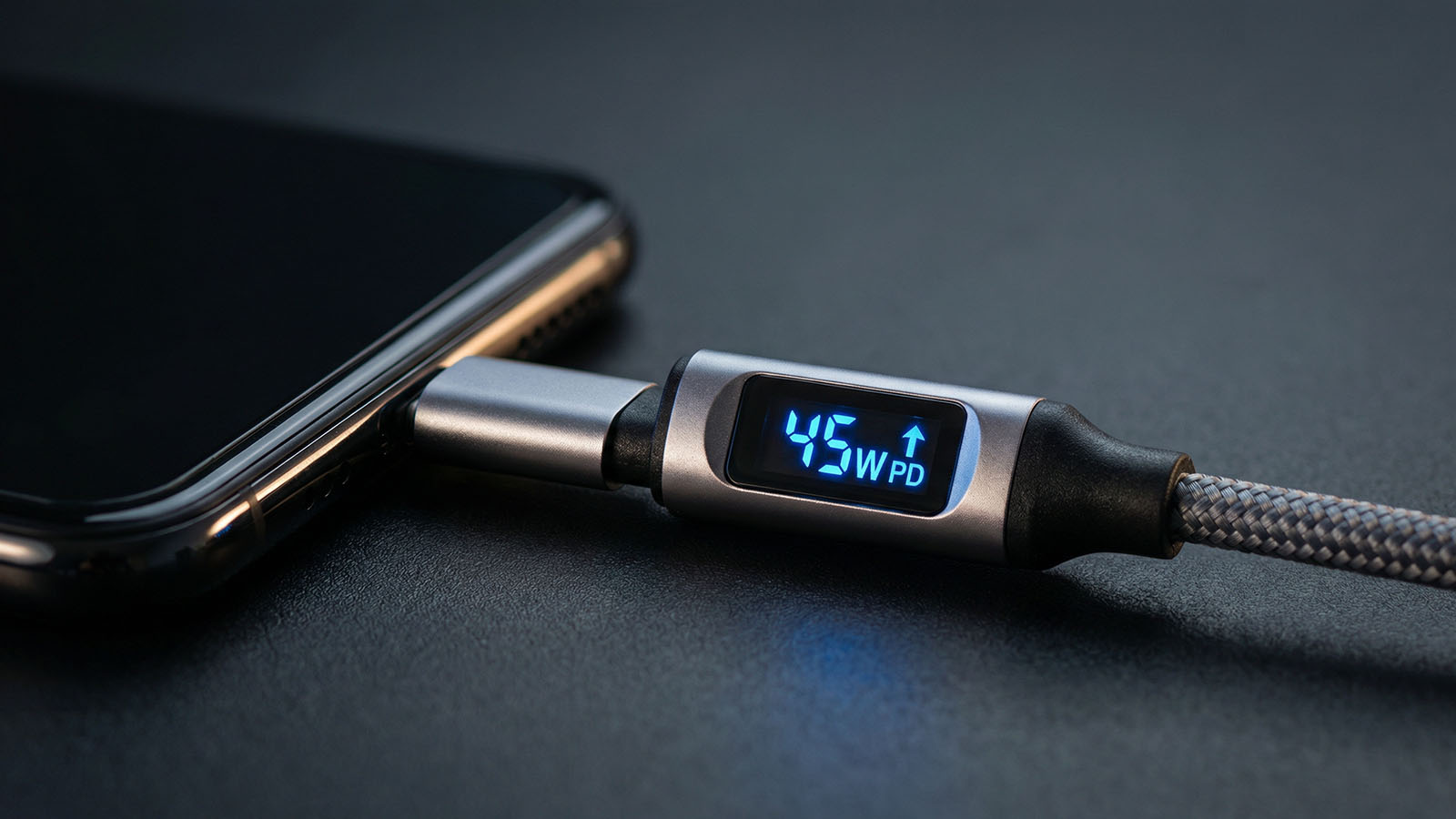
USB-C watt display cables make charging visible by showing real power in watts during everyday use.
Many people see numbers on a display cable and do not know what they actually mean. This guide explains how to read those numbers, why they change, and what real charging wattage should look like in everyday use.
Quick answer:
If your phone charges slowly, this also helps: Why Your Phone Charges Slow. If fast charging is not activating, read: Why Fast Charging Is Not Working.
The watt display shows the real charging power currently being delivered through the cable. That number changes in real time depending on what the device is doing and how much power it is able to accept.
In simple terms:
This is useful because it shows real performance instead of just advertised charger numbers.
A phone does not charge at one fixed wattage all the time. Charging power changes constantly depending on battery level, temperature, and phone activity.
That means the number on a watt display cable will often move up and down during normal charging. That is expected.
That depends entirely on the phone and charger you are using. A phone that supports 25W charging will not show the same numbers as a phone that supports 67W or 100W charging.
Examples of normal behavior:
If you are not sure how many watts your phone supports, read: How Many Watts Does My Phone Support?. If you mainly use a Galaxy device, you may also want my Best Charger for Samsung Phones guide.
A cable with watt display is useful because it makes charging visible. Instead of guessing whether your charger or cable is working properly, you can actually see what the setup is doing.
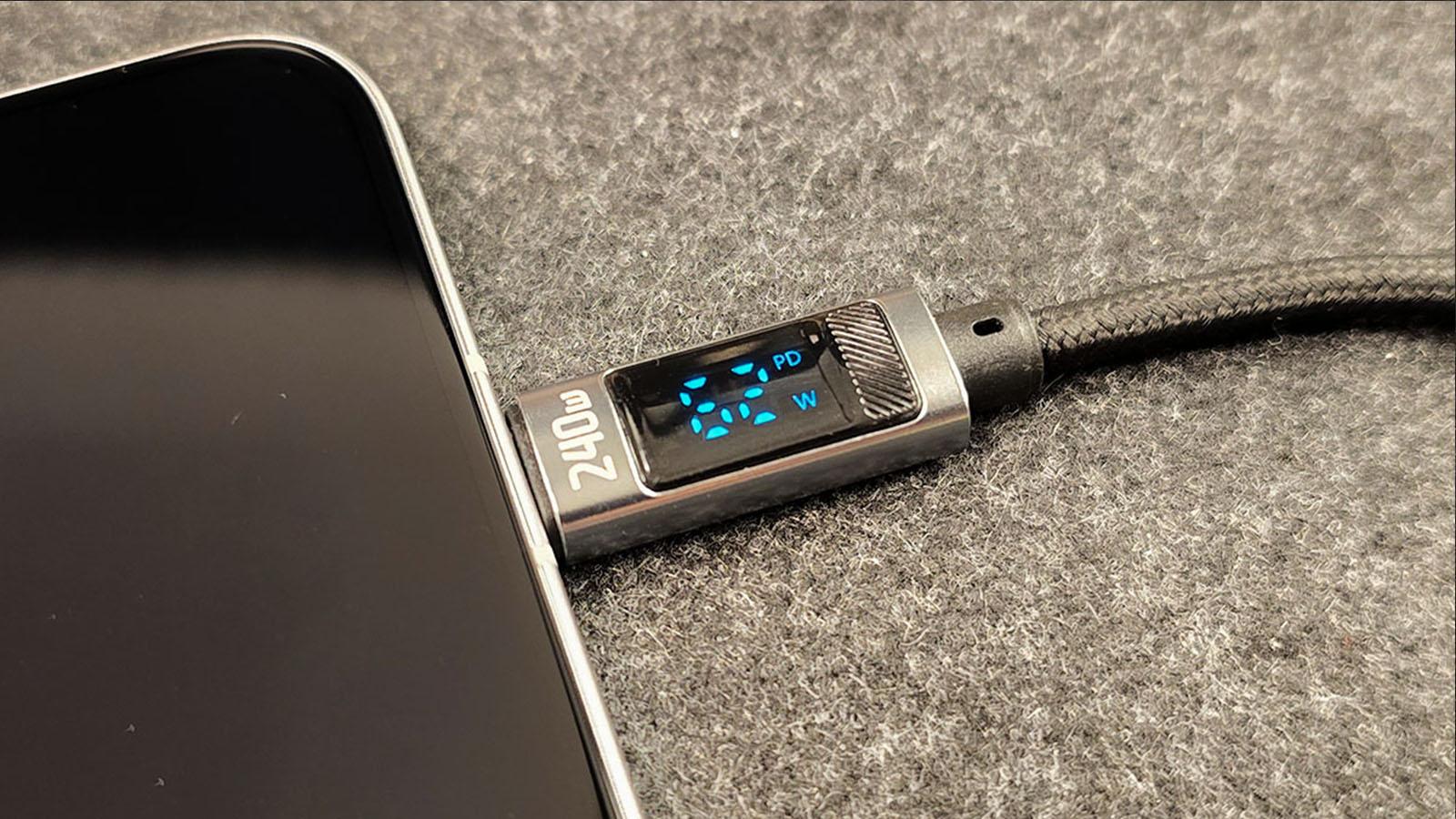
USB-C cable with live watt display used in real charging tests.
This is the cable I use in real charging tests. It shows live wattage, which makes it much easier to understand actual charging performance instead of relying on marketing claims.
It is not just a cable. It is also a very practical testing tool if you want to see what is really happening during charging.
🔗 See the cable used in my tests
Not always. A higher number means more power at that exact moment, but the best charging experience is not just about the biggest peak. It is about stable, reliable charging over time.
Some chargers may spike high briefly and then drop. Others may stay more consistent. That is why real charging behavior matters more than one quick number.
If your watt reading is lower than expected, the problem is usually in one of those areas. That is especially common with weak chargers, poor cables, or phones paired with the wrong charging setup.
If you want better and more stable charging wattage in real use, focus on the full setup:
For the biggest improvement, start with these: Best Fast Chargers and Best USB-C Cables. If you use a Galaxy phone, also see Best Charger for Samsung Phones.
If you want better charging performance in real life, these guides help build a proper setup:
A USB-C cable with watt display is one of the easiest tools for understanding real charging speed. It helps you see whether your charger, cable, and phone are actually working well together.
If you want to improve charging speed overall, also read: How to Charge Your Phone Faster.
For the cable I use in real tests, start here: Best USB-C Cables.
The watt display shows the real charging power currently flowing through the cable in real time. It reflects what the phone is actually receiving at that moment, not just the charger’s advertised maximum power.
The number changes because phones do not charge at one fixed wattage all the time. Charging power changes depending on battery level, temperature, charger behavior, and whether the phone is being used while charging.
Not always. A higher number means more power at that moment, but the best charging experience is about stable and reliable charging over time, not just one brief peak.
Normal watt readings depend on the phone and charger. Recent iPhones often peak around 20W to 27W, many Samsung phones sit around 25W or 45W, and some fast Android phones can show much higher values.
Yes. It is useful because it helps you see real charging behavior, spot weak chargers or cables, and understand whether fast charging is actually working in daily use.
Understand your charging setup better:
How Many Watts Does My Phone Support?
Best Charger for Samsung Phones
Why Your Phone Charges Slow
Best USB-C Cables