
If fast charging is not working on your phone, the issue is usually not the battery. In most cases, the real problem comes from your charging setup.
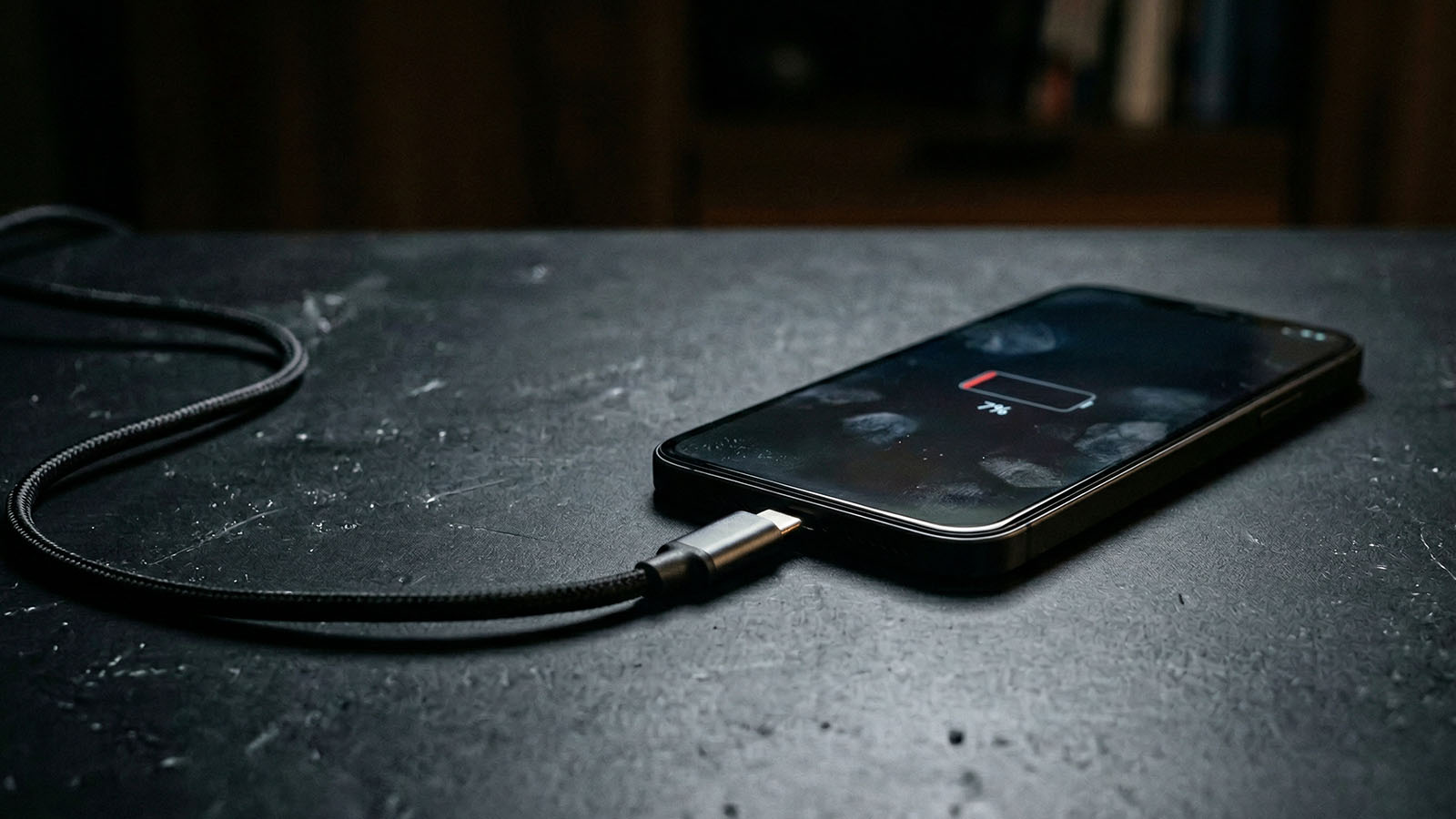
Fast charging problems usually come from charger, cable, heat, or setup issues rather than the phone itself.
Fast charging depends on multiple components working together: charger, cable, device compatibility, charging conditions, and phone behavior. If one part is weak or inconsistent, fast charging may not activate at all or may perform far below what the phone supports.
Quick answer:
If your phone charges slowly in general, read Why Your Phone Charges Slow. If you want to improve charging speed overall, see How to Charge Your Phone Faster.
If your charger cannot deliver enough power, fast charging will not activate properly. Modern phones often expect 20W, 25W, 45W, or more depending on the model.
Using an old or low-power charger is one of the most common reasons fast charging fails. This is especially common when people reuse older adapters that were never designed for modern fast charging.
See recommended options: Best Fast Chargers
Not all cables support proper power delivery. Cheap, low-quality, or damaged cables can reduce charging speed significantly or prevent fast charging from staying stable.
Even a powerful charger will underperform if the cable cannot carry enough power.
See recommended cables: Best USB-C Cables
When your phone gets warm, charging speed drops automatically to protect the battery. That makes fast charging appear weaker or inconsistent.
This happens often during gaming, video streaming, navigation, recording, or simply charging in a hot environment.
Using your phone while charging reduces effective speed. The device is charging and draining power at the same time.
For best results, leave the phone idle during at least part of the charging cycle. That matters even more during heavy usage like gaming, maps, video, or social apps running constantly in the background.
Dust, lint, or a weak connection inside the charging port can affect charging behavior. A poor connection may stop fast charging from activating properly or make charging inconsistent.
Some phones allow fast charging to be turned off in settings. In other cases, background apps, battery protection modes, or software behavior can reduce charging performance.
Fast charging also depends on compatibility. A charger can be powerful on paper but still fail to deliver the right charging behavior for your exact phone.
That is one reason Samsung phones often confuse people. Many Galaxy devices support 25W or 45W, but the setup has to match properly. If that is what you use, see: Best Charger for Samsung Phones.
Check this too: How Many Watts Does My Phone Support?
If you want a complete upgrade, start with: Best Charging Accessories.
In real-world usage, the biggest improvements usually come from:
Most users see immediate improvements just by upgrading the charger and cable combination.
If fast charging is not working properly, these guides help you fix the entire setup:
Fast charging problems are rarely caused by the phone itself. The charger, cable, compatibility, and usage conditions usually make the biggest difference.
If your phone charges slowly in general, this guide may also help: Why Your Phone Charges Slow.
For a setup that actually works, start here: Best Fast Chargers.
Fast charging usually stops working because of a weak charger, a poor or damaged cable, heat, device settings, charging port issues, or using the phone heavily while charging.
Yes. A weak, damaged, or low-quality cable can absolutely prevent fast charging from working properly, even if the charger itself is strong enough.
Yes. When the phone gets too warm, charging speed drops automatically to protect the battery, which can make fast charging seem inconsistent or inactive.
Yes. Heavy phone use while charging can reduce effective charging speed because the phone is charging and draining power at the same time.
The fastest fix is usually to upgrade to a proper fast charger and a reliable cable, then keep the phone cool and avoid heavy use while charging.
Fix slow charging with these:
How to Charge Your Phone Faster
Why Your Phone Charges Slow
Best USB-C Cables 2026
Best Charging Accessories