
Not sure how many watts your phone supports? You are not alone. Many people use chargers that are either too weak for their phone or far stronger than necessary without understanding what actually matters.
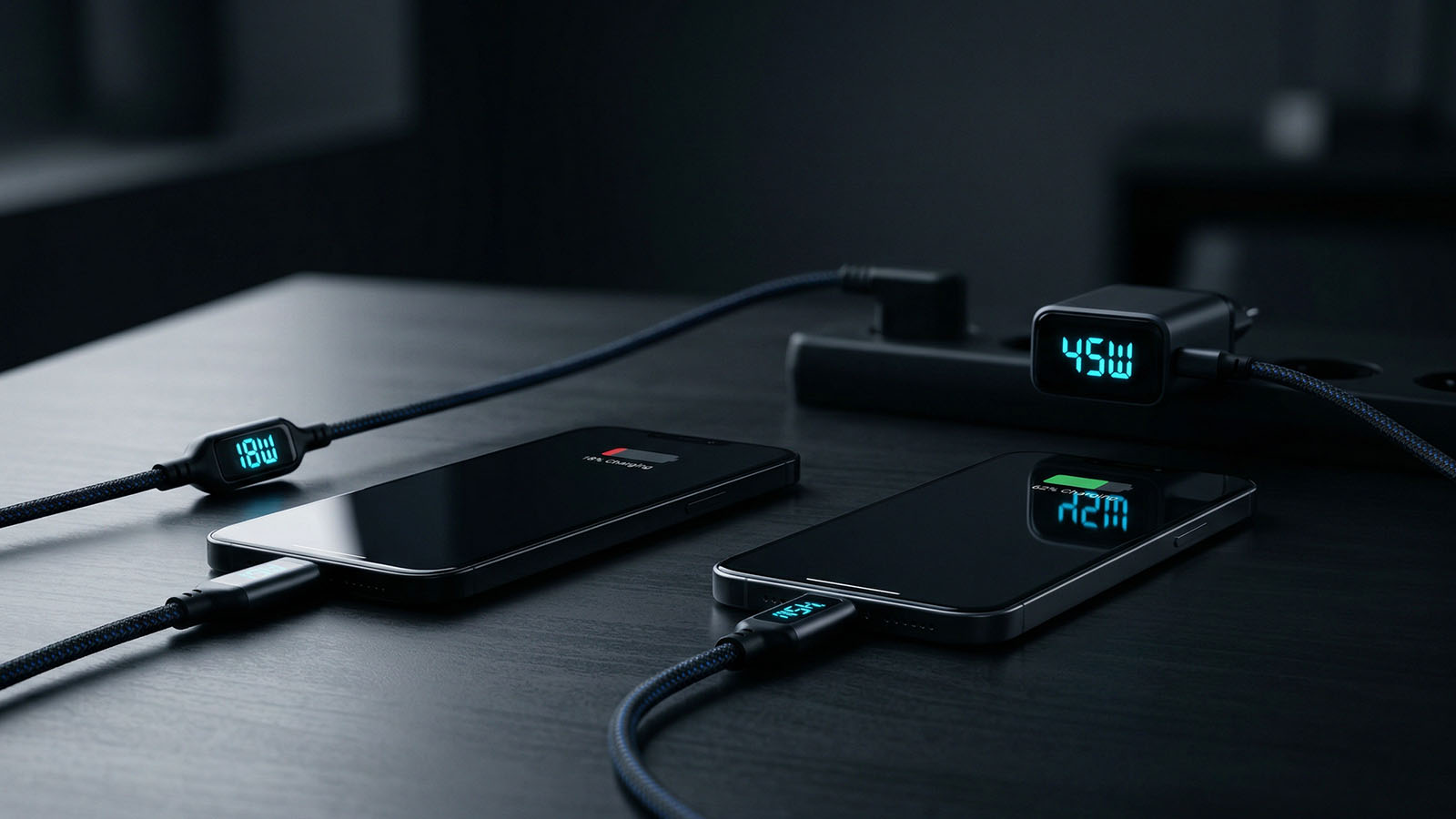
Phone charging wattage explained through real setup logic, charger choice, and everyday charging performance.
The simple truth is this: your phone only takes the power it is designed to support. A stronger charger does not force extra power into the phone, but a weak charger can absolutely slow everything down.
Quick answer:
If your phone charges slowly, read: Why Your Phone Charges Slow. If fast charging is not activating at all, see: Why Fast Charging Is Not Working.
Charging wattage is the amount of power your phone can accept from the charger. The higher the supported wattage, the faster the phone can usually charge — assuming the charger, cable, and phone all support it correctly.
This does not mean your phone always charges at the maximum number all the time. Charging speed changes depending on battery level, temperature, and phone activity.
If your charger is weaker than your phone supports, charging will be slower. If your charger is strong enough, your phone can reach its proper charging speed. If your charger is more powerful than your phone needs, the phone simply limits the power safely.
These are common charging ranges in real usage:
Samsung devices are one of the most common sources of charging confusion because many models sit around 25W or 45W rather than extreme headline numbers. If that is what you use, see my Best Charger for Samsung Phones guide.
Foldable phones like the Samsung Galaxy Z Fold 7 or Samsung Galaxy Z Fold 6 usually make the most sense with proper fast chargers rather than weak basic adapters.
This is the most common mistake. If the charger cannot deliver enough power, your phone will charge more slowly than it should.
That often makes people think the battery or phone is the problem, when the real issue is simply poor charging hardware.
This is usually completely safe. Your phone only draws the power it supports.
For example, if your phone supports 25W and you use a 65W or 100W charger, the phone will still usually charge at around its own supported speed.
Yes — a lot. A weak cable can limit charging speed even if the charger itself is powerful enough.
That is why charging performance is never just about the charger alone. The cable is often the hidden problem in slower charging setups.
If you want to see real charging power instead of guessing, a cable with live watt display is one of the easiest tools to use. I explain that here: USB-C Cable Watt Display Explained.
Use better cables: Best USB-C Cables
There are a few simple ways to figure it out:
If you want to understand real charging speed instead of guessing, a cable with live watt display can be very useful. You can see one in my USB-C cable guide.
The easiest strategy is simple: buy a charger that matches or slightly exceeds your phone’s maximum charging wattage.
If you mainly use a Galaxy device, a more specific guide may help: Best Charger for Samsung Phones.
Start here: Best Fast Chargers
In real-world usage, the biggest improvements usually come from:
These factors matter much more than most random charging myths.
If you want the best charging speed in real use, these guides help you build the full setup:
Your phone will only charge as fast as your setup allows. Using the right charger and the right cable is what unlocks the full speed your device is designed for.
If you want to improve charging speed overall, read: How to Charge Your Phone Faster.
For a setup that actually works, start here: Best Fast Chargers.
It depends on the model. Many iPhones charge around 20W to 27W, Samsung phones often support 25W or 45W, and Android phones can range from around 18W to well over 100W depending on the brand and model.
Not always. A stronger charger is safe in most cases, but your phone only draws the power it is designed to support. A weak charger can slow charging down, but an oversized charger does not force extra speed beyond the phone's limit.
Yes, the cable matters a lot. Even if the charger is strong enough, a weak or low-quality cable can reduce charging speed and make the setup feel inconsistent.
You can check the official specs of your exact model, look at the original charger rating, search the charging specification for the device, or use a watt display cable to see real charging power in use.
The easiest strategy is to buy a charger that matches or slightly exceeds your phone’s maximum supported charging wattage. That gives you full speed without overthinking the setup.
Improve your charging setup:
How to Charge Faster
Best Charger for Samsung Phones
USB-C Cable Watt Display Explained
Best USB-C Cables