
If your phone charges slowly, the problem is usually not the phone itself. In most cases, the real issue comes from your charging setup.
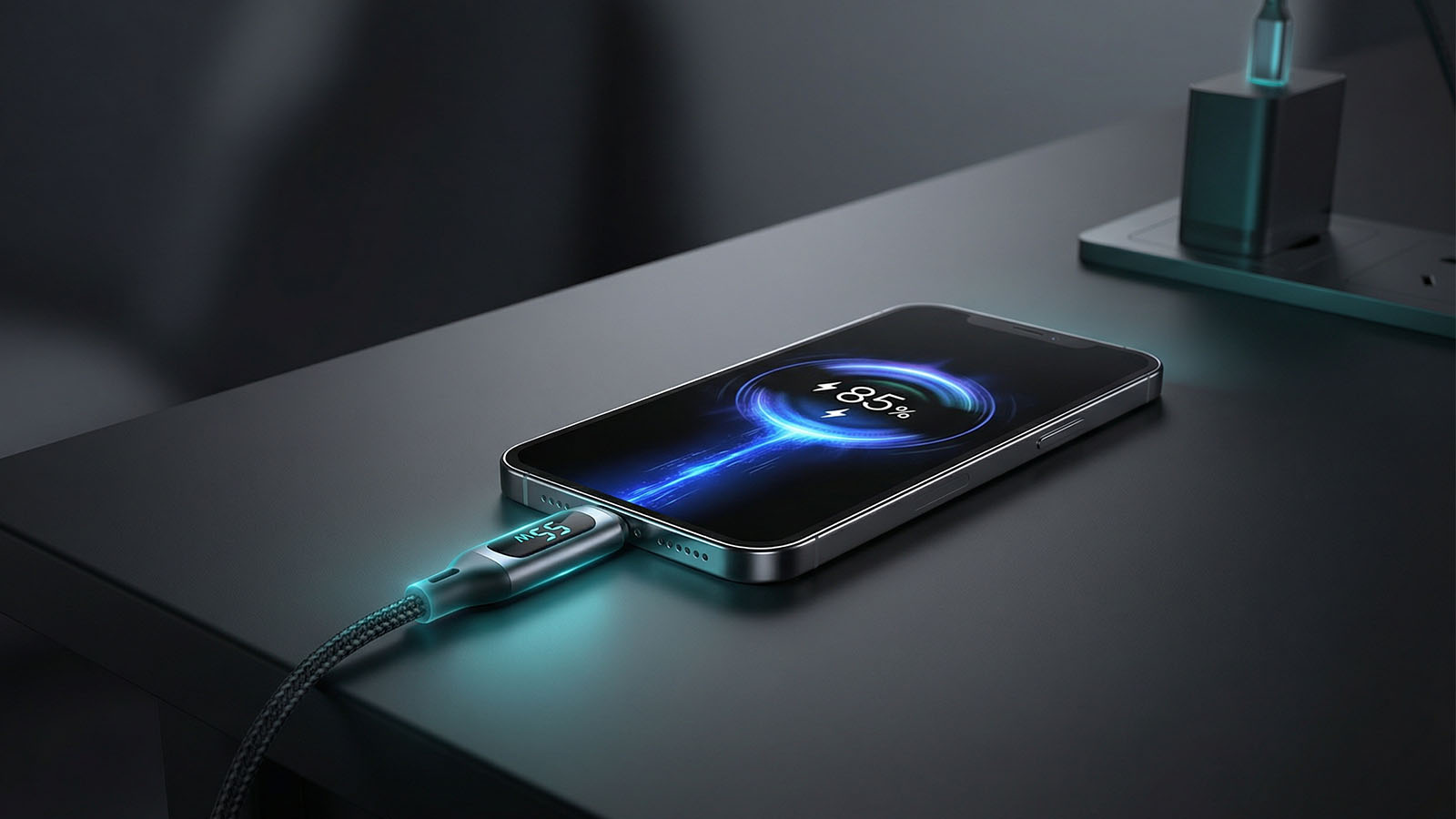
Phone charging speed depends on the full setup: charger, cable, heat, and how the device is used while charging.
Most people focus on the device, but real charging speed depends on the combination of charger, cable, and how you use your phone while charging. Fixing just one weak part can already make a noticeable difference.
Quick answer:
If fast charging is not activating at all, see Why Fast Charging Is Not Working. If your phone feels slow in general, read Why Your Phone Charges Slow.
Your charger is the most important factor. If it does not support fast charging properly, nothing else will fully fix the problem.
See recommended options: Best Fast Chargers
Not all USB-C cables support full power. Some cables limit charging speed even if your charger is fast enough on paper.
A good cable ensures your device actually receives the power your charger can deliver. That is why a strong charger with a weak cable can still feel slow in everyday use.
See recommended cables: Best USB-C Cables
Cheap or worn-out cables often reduce charging performance and create inconsistent results.
Using your phone while charging slows everything down. The battery is charging and draining at the same time.
For maximum speed, leave the phone idle for at least part of the charging cycle, especially if you are gaming, recording video, navigating, or streaming.
Airplane mode reduces background activity and network usage. This helps your phone charge faster, especially in weak signal areas where the device works harder in the background.
Heat reduces charging efficiency. If your phone gets too hot, it will automatically slow down charging to protect the battery.
A stronger charger is fine, but your phone only takes the power it is designed to support. That means real charging speed depends on whether the full setup matches your device properly.
Check this first: How Many Watts Does My Phone Support?
Fast charging is not just one product — it is a system.
If one part is weak, the entire charging experience is affected.
For a complete setup, see: Best Charging Accessories.
In real usage, these upgrades usually have the biggest impact:
Most users see noticeable improvements just by fixing the charger and cable combination.
If you want the best results, build a full setup with compatible accessories:
Charging speed is not about one product. It is about using the right combination of charger, cable, and habits.
Fix the setup, use the right accessories, and your phone can charge significantly faster in real everyday use.
The most effective way to charge your phone faster is to use the right fast charger, a good cable, reduce heat, and avoid heavy phone use while charging.
Yes, the charger is usually the most important part of the setup. If it cannot deliver enough power, the phone will charge more slowly no matter what cable you use.
Yes, the cable matters a lot. A weak or low-quality cable can reduce charging performance even if the charger itself is fast.
Yes, airplane mode can help because it reduces background activity and network usage, which allows more power to go into charging the battery.
Using your phone while charging slows everything down because the battery is charging and draining at the same time, especially during video, gaming, navigation, or heavy background activity.
Fix slow charging with these guides:
Why Your Phone Charges Slow
Why Fast Charging Is Not Working
Best Charging Accessories
Best USB-C Cables 2026